CreateForge
One creative workspace

CreateForge AI image and video creation platform.

The right AI model for every creative job. Choose from nine image models and eight video models, review a parameter-aware quote before submission, and keep job state, credit use, and final media in one accountable system.

Quick Create

Draft here, then continue on the model page.

Account generation
Try a direction0/5000
Model
FLUX 2 Pro
Resolution
Configure on model page

Your prompt stays in this browser until you open the model page.

Minimum 5 credits

Output preview

Visual direction, not an account result

4:5
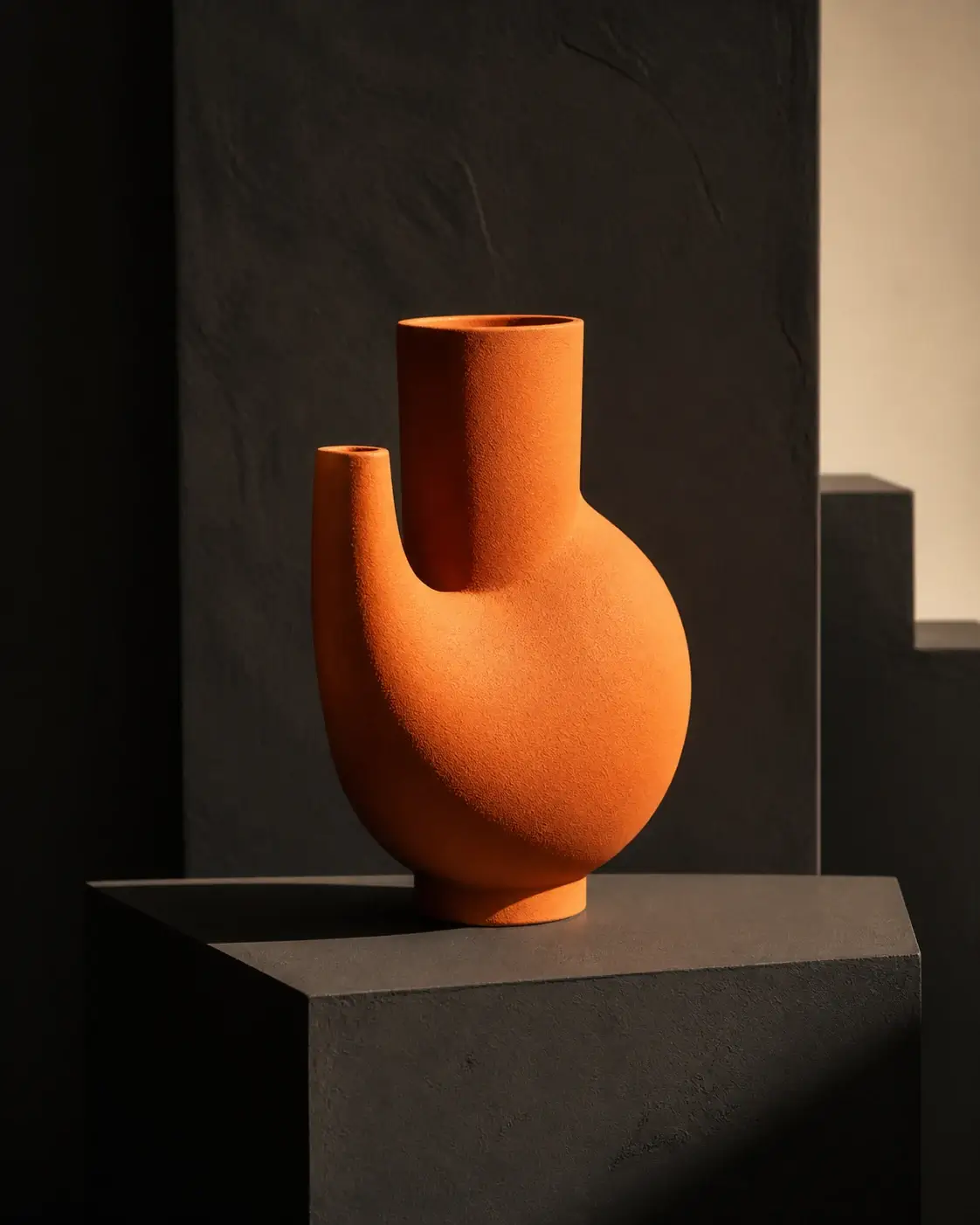
Geometric orange vessel on a charcoal studio set

Ember product study

A sculptural orange ceramic vessel on a charcoal plinth, hard side light, precise shadow, premium editorial product photography

Original studies

Browse prompt directions

Geometric orange vessel on a charcoal studio set
Ember product study
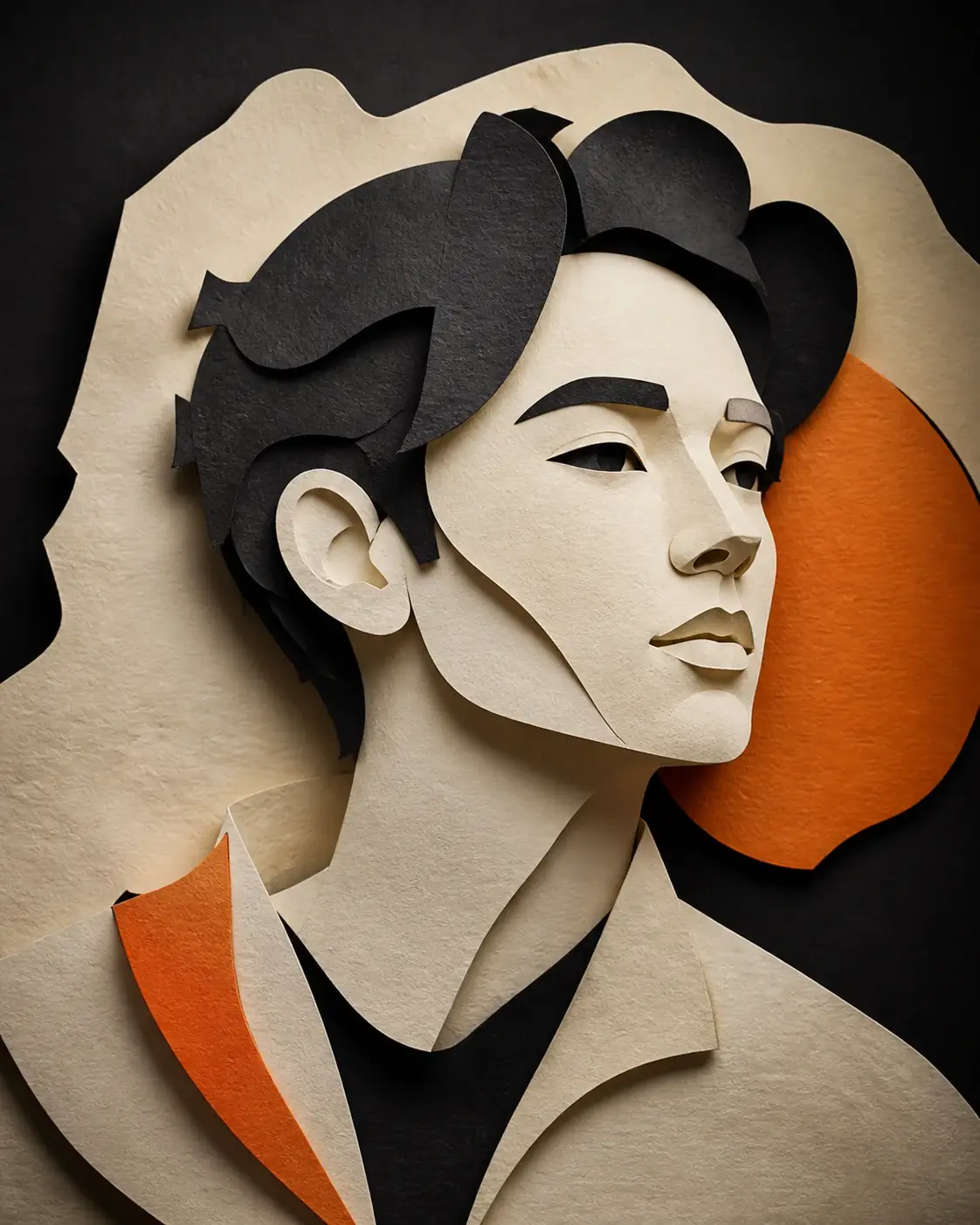
Editorial illustrated portrait in CreateForge orange and charcoal
Paper portrait
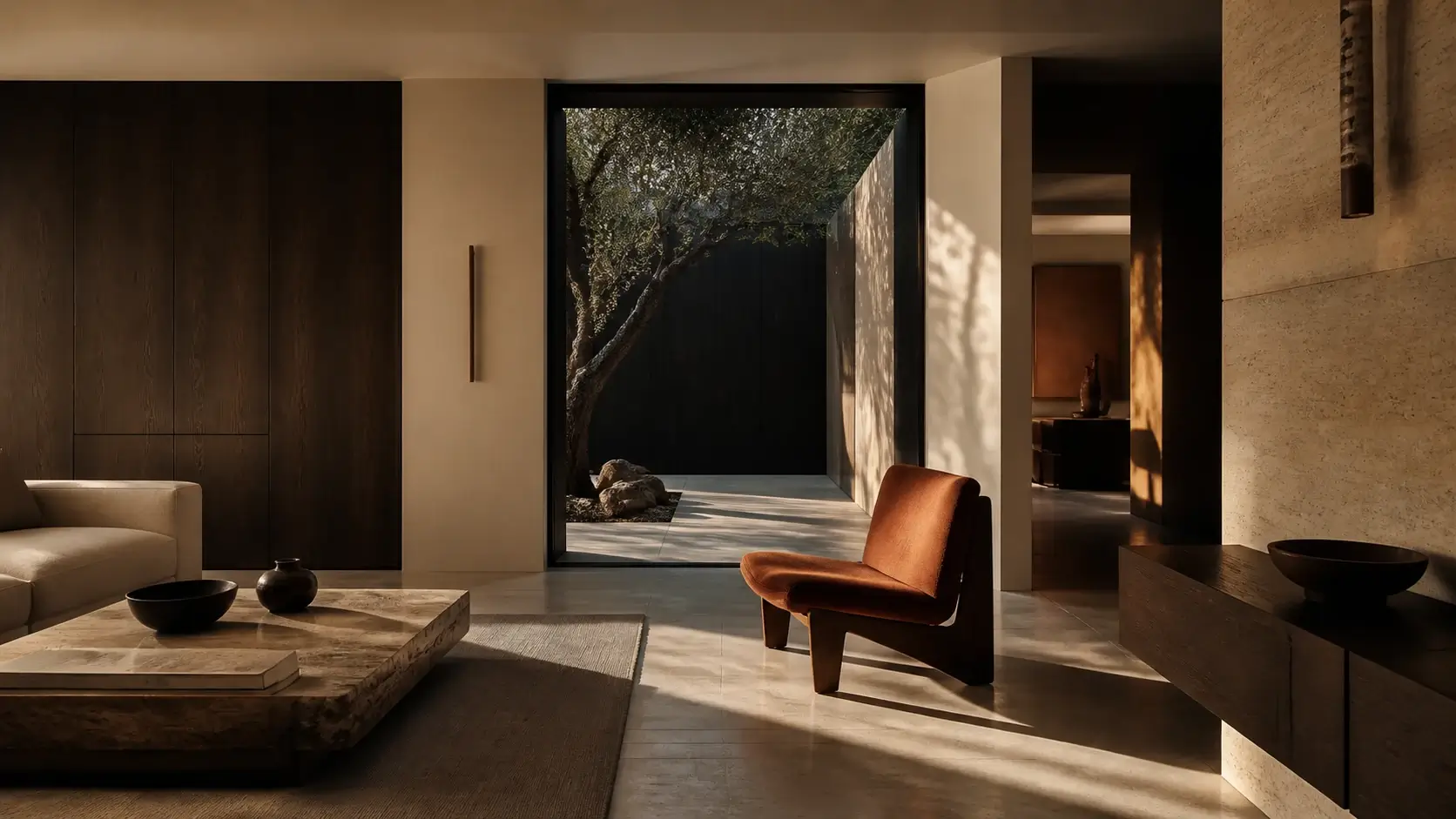
Modern interior with warm architectural light
Quiet interior
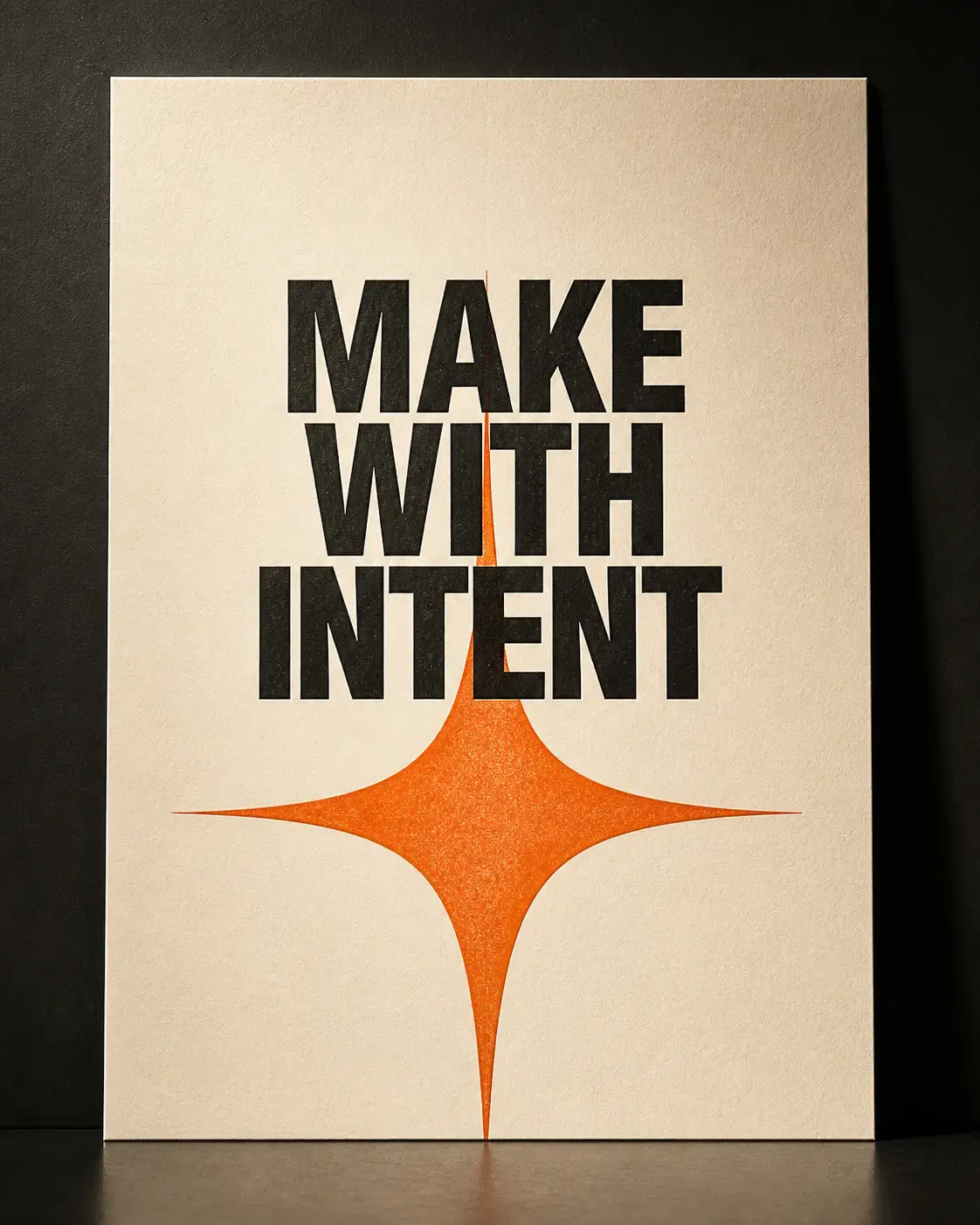
Editorial typography poster with an orange spark
Forge poster

Model bench

Choose the AI model by the work.

Every model shown here is ready to use with supported controls, clear credit pricing, and saved results.

Select your forge
Image · Available Minimum 3 credits

GPT Image 2

Create or edit images with GPT Image 2 using detailed prompts, private references, flexible framing, and resolution-aware protected quotes.

Text-to-image generation Private reference-image editing 1K, 2K, or 4K output Multiple delivery aspect ratios

Tool workflow

Choose the right AI image model for the work.

Create AI images with FLUX, GPT Image, Seedream, or Nano Banana, receive a protected parameter-aware quote, and keep results in your private library.

Explore the workflow
  1. 01

    Write the prompt

    Describe the subject, composition, lighting, materials, typography, and intended finish.

  2. 02

    Choose model and frame

    Select an available image model, its supported canvas, resolution, quality, and optional private references.

  3. 03

    Generate and keep it

    Track the quoted image job, preserve the successful output, and iterate from a result you can find again.

Product foundations

A clear path from prompt to durable result.

One model catalog

Availability, controls, and credit use stay aligned on every model page.

Clear task tracking

Follow each generation from submission to completion, including retries and failures.

One saved library

Completed images and videos stay available in your Library instead of relying on temporary links.

CreateForge FAQ

Know the boundary before you create.

The public page can prepare a draft. Sign in to upload files, generate results, use credits, and save work to your Library.

CreateForge provides nine image models and eight video models through dedicated model pages. Supported workflows include text to image, image editing, text to video, image to video, and model-specific reference inputs.

No. Quick Create prepares a local draft and opens the FLUX 2 Pro model page, where you can review settings before signing in and generating with available credits.

The public composer keeps the draft in this browser session. It does not put your prompt in the URL, a cookie, page metadata, or a public API request.

CreateForge confirms the credit amount before generation and protects against duplicate submissions. Failed tasks release reserved credits, while completed results are saved to your Library.

The starting price depends on the model. The final credit price reflects resolution, duration, native audio, and reference files, and stays available for 10 minutes. Credits are released after a failed generation.

Turn a clear prompt into accountable creative work.

Create with FLUX 2 Pro